Real quick!
Get set up to add items from any website
Easily add items to your registry after adding the Babylist Button to your browser.

Step 1
Add the Babylist Button to your browser
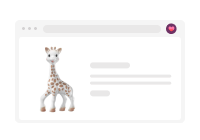
Step 2
Visit any store website and find your items.
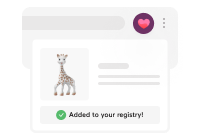
Step 3
Click the in your toolbar to add directly from any store.
You'll need our Babylist Button to be able to add items from other websites.
Get it now
I'll do this later